Your to-do list, planned for you
Most task managers give you a list and leave the rest to you. rivva takes what needs doing and finds the best time to do it based on your energy, calendar, and priorities.
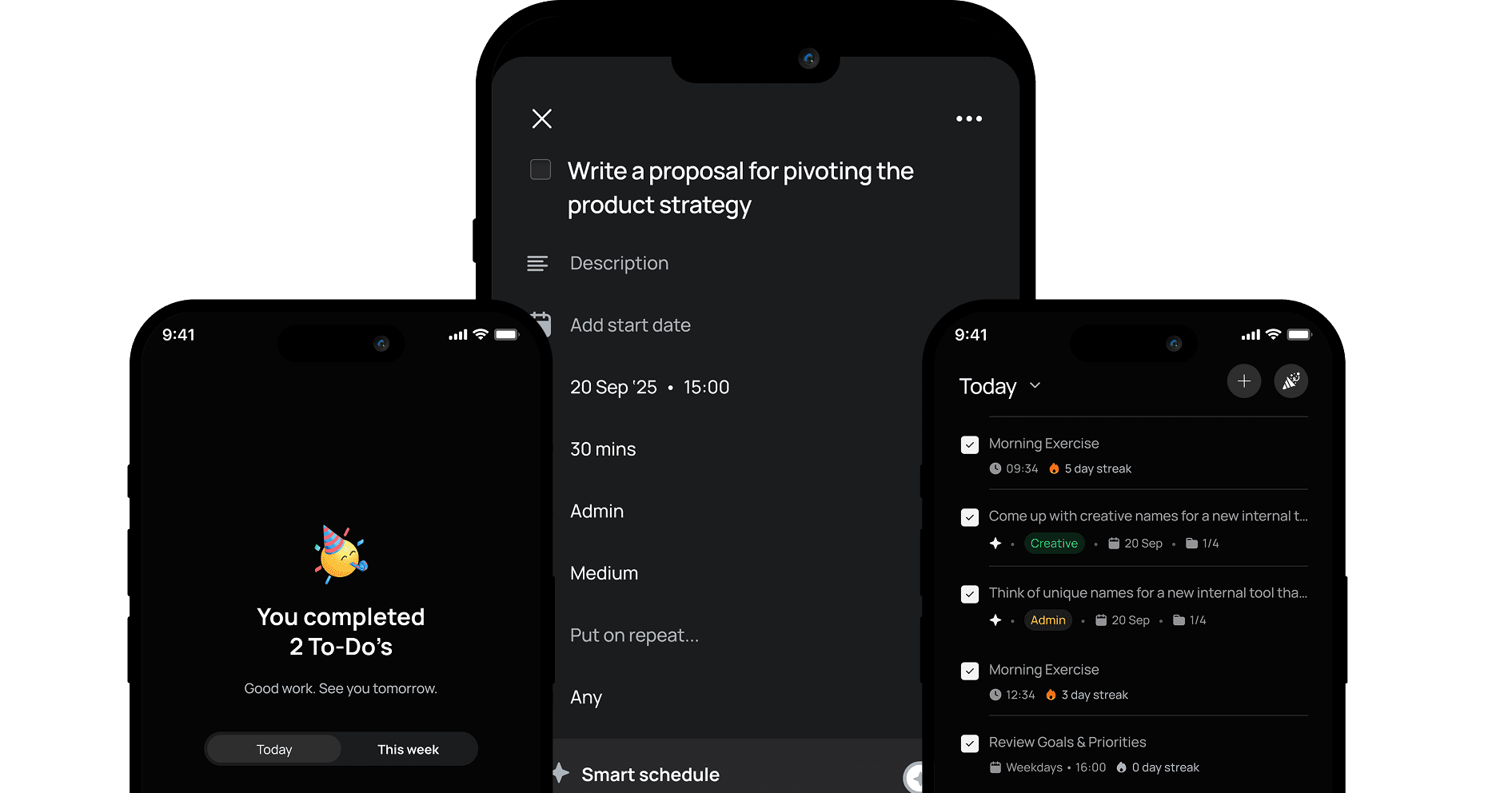
Most task managers give you a list and leave the rest to you. rivva takes what needs doing and finds the best time to do it based on your energy, calendar, and priorities.
Add tasks in seconds, any way you want
Create tasks manually, tell our AI assistant by text or voice, or let rivva automatically pull them from your email. However work shows up, it ends up in your list.
The right task at the right time, automatically
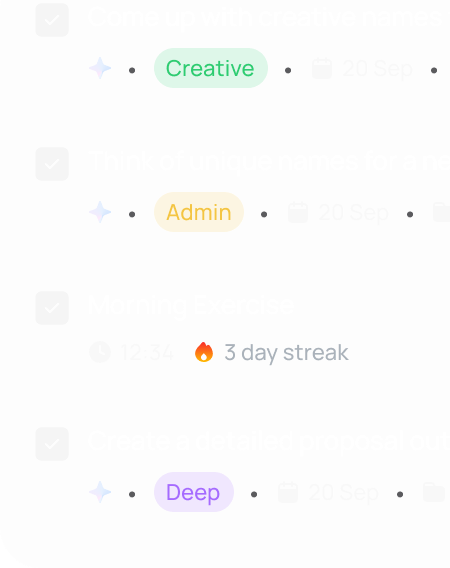
Every task has a type: Deep, Creative, Admin, or Personal. rivva uses this to match work to the right energy window. Focus-heavy tasks during peaks, lighter ones during dips.
Some tasks repeat often. rivva knows that.
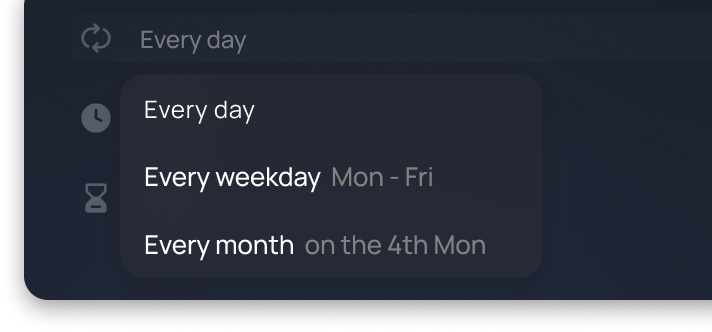
Monthly reports. Weekly newsletters. Sprint planning. Some work doesn’t have a finish line. Create it once as a recurring task and rivva makes sure it shows up every time you need to get it done.
Build the habits that make your best work possible
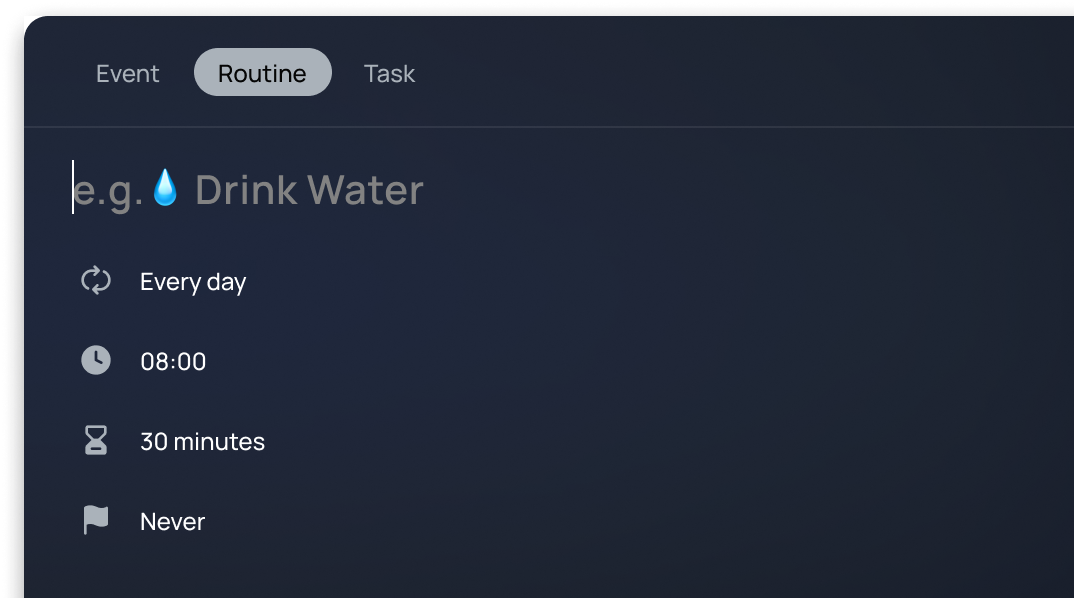
Routines are the habits that hold everything together. Morning gym, evening reflection, reading before bed. Add them to rivva and track your streak so you don’t skip routines when work gets busy.
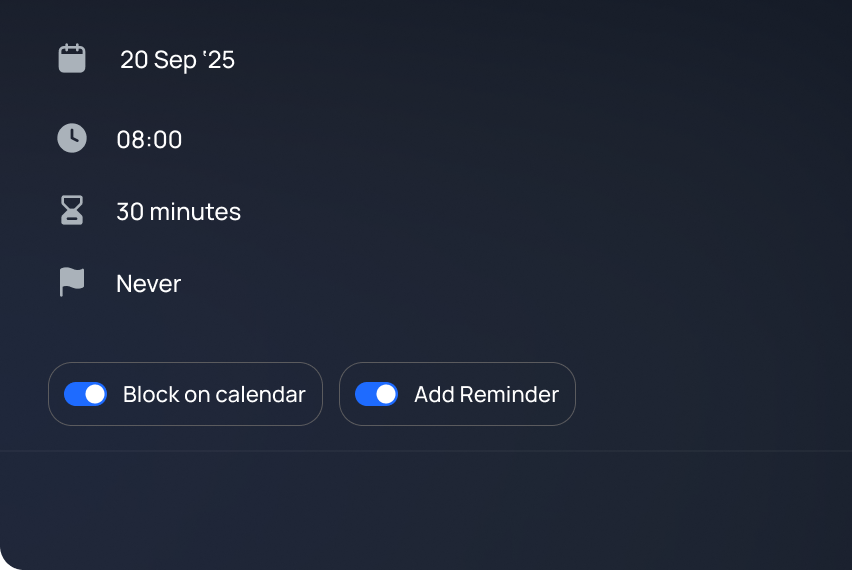
Keep your focus time off-limits on your calendar
Your tasks take up real time. Time-blocking makes sure your calendar reflects that, so your deep work hours don’t accidentally become someone else’s meeting slot.

Type it yourself
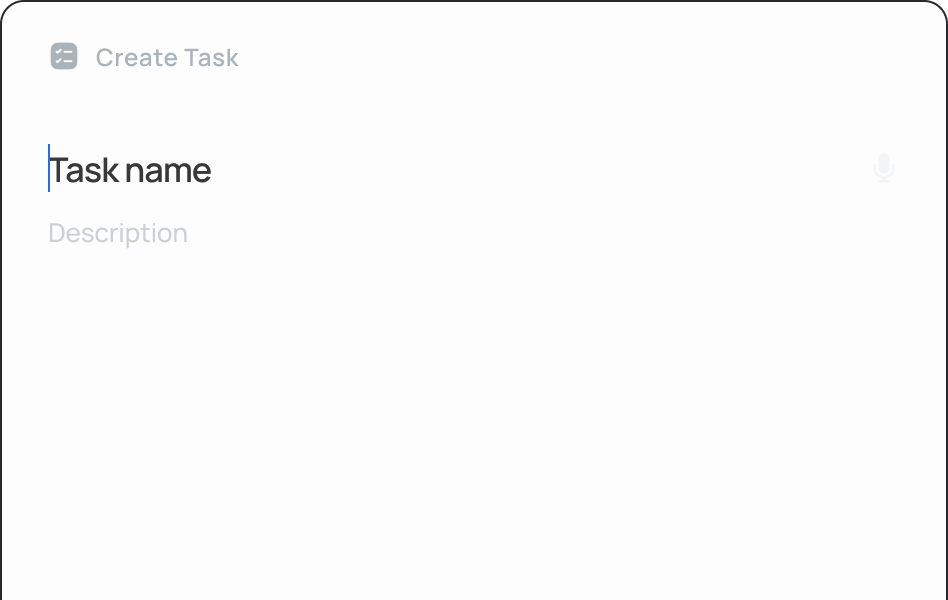
Add tasks manually with a title, duration, deadline, type, and priority. Toggle on smart-schedule and rivva will find the best time to do it.

Tell Nia
Describe what you need to do to our AI assistant (by text or voice) and she’ll turn it to a task and auto-schedule it.

Let rivva find them
rivva automatically extracts action items from your email (including meeting summaries, and tool notifications). They appear in Inbox for you to approve as tasks.