Stop guessing when you'll be productive
rivva connects to your wearable and uses your sleep data to forecast your cognitive peaks and dips each day. So you always know when to do your best work and when not to push it.
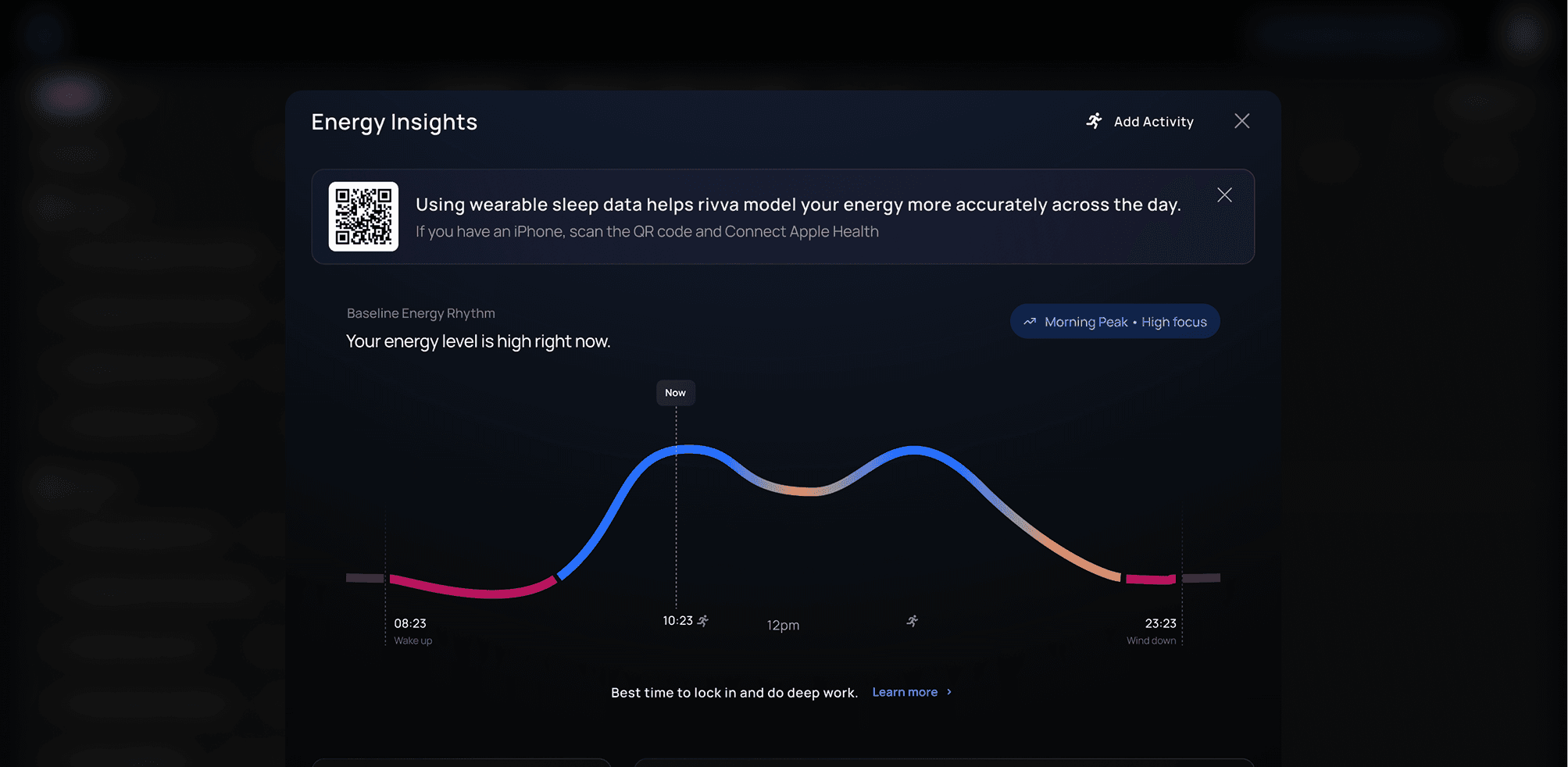
rivva connects to your wearable and uses your sleep data to forecast your cognitive peaks and dips each day. So you always know when to do your best work and when not to push it.
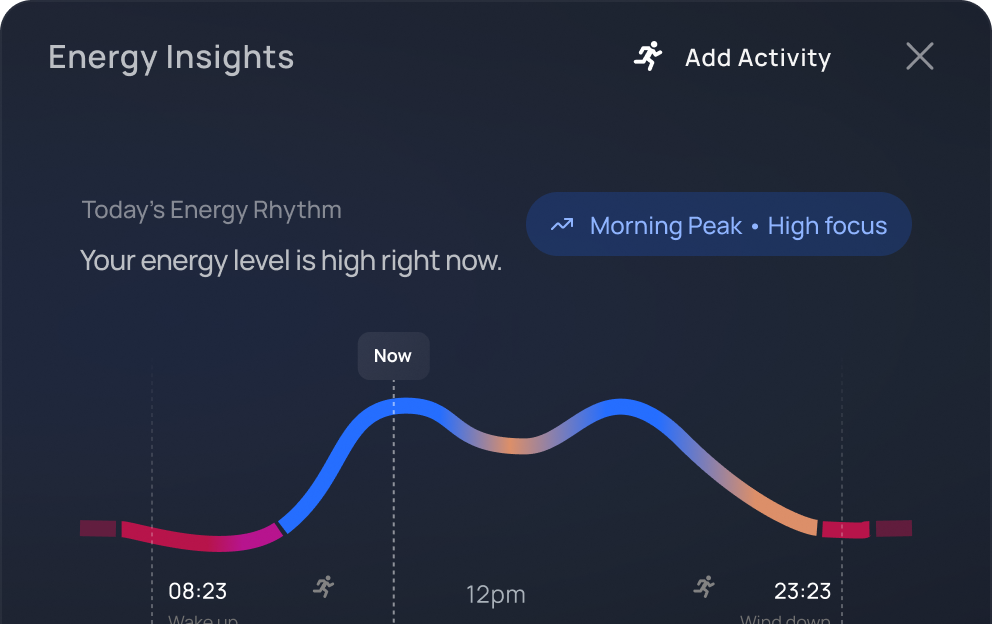
Your cognitive highs and lows, at a glance
Your energy timeline breaks your day into windows. When to do your hardest work, when to coast with routine work, and when to take a real break.
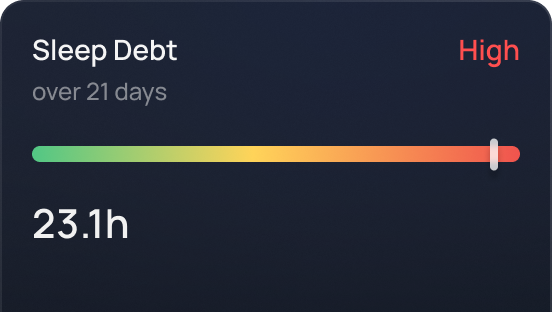
See how missed sleep is affecting your day
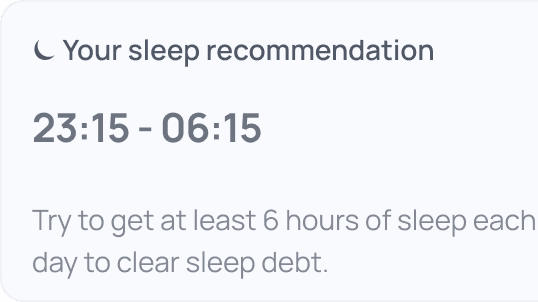
One bad night is recoverable. A week of them isn't. rivva tracks your accumulated sleep debt so you can see how it's actually affecting your focus and capacity.
Works with the wearable you already own
Connect any wearables, Fitbit, Oura, Whoop, Apple watch etc to rivva. No wearable? rivva lets you input and track your sleep times manually.
How it works
Connect your wearable
Link Apple Health during onboarding. rivva pulls your sleep history from the past couple of weeks to establish your baseline.
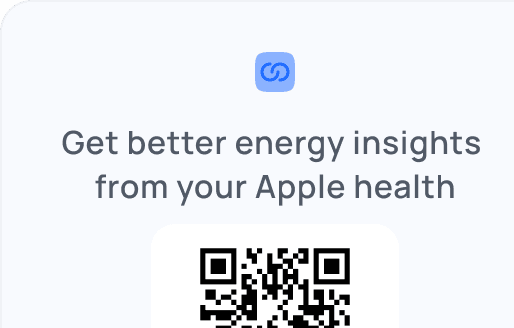
rivva maps your rhythm
We combine your sleep data with natural circadian and ultradian patterns to build your energy curve. This becomes your daily forecast from day one.
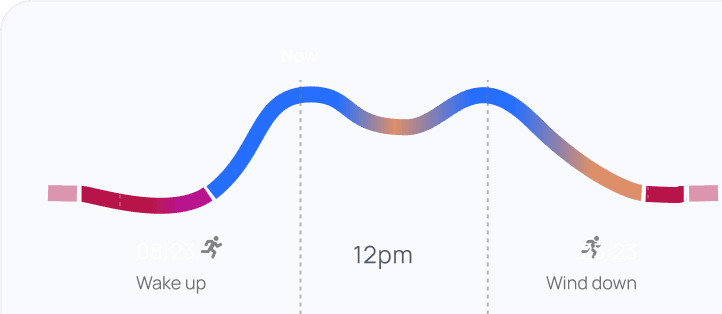
Your forecast updates every morning
Each night’s sleep adjusts the next day’s forecast. Sleep well, see a strong peak. Sleep poorly, see a flatter curve—and a schedule that adjusts to match.